
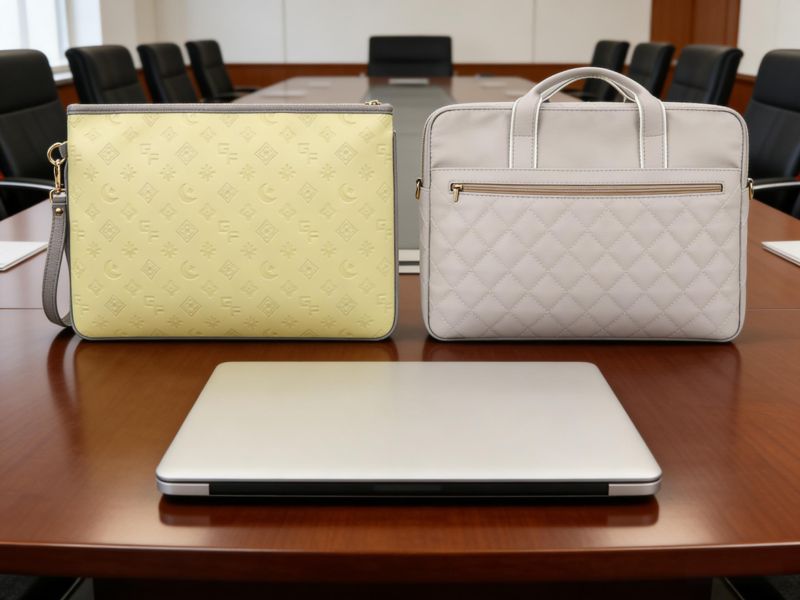
Style isn’t everything when choosing a woman’s laptop bag. A pretty bag often falls short in daily use—some lack space for chargers and paperwork, while others turn heavy and tiring, even on short trips to work.
Busy working women often struggle to stay organized all day. A bag that works fine in the morning can feel messy and awkward when moving between the office, meetings, and short trips.
At the end of the day, what counts most is the right size, practical compartments, and comfortable carrying. In this guide, we’ll walk through the most popular women’s laptop bag styles, real-world sizing tips, and the must-have features that actually make daily life easier.
Types of Laptop Bags for Women
Daily routines require different bag styles based on looks, support, and storage. Some prefer a polished office look, while others prioritize comfort and the ability to handle long commutes. Picking the right style depends on how much gear you carry and how often you travel with your laptop.
Laptop Tote Bags
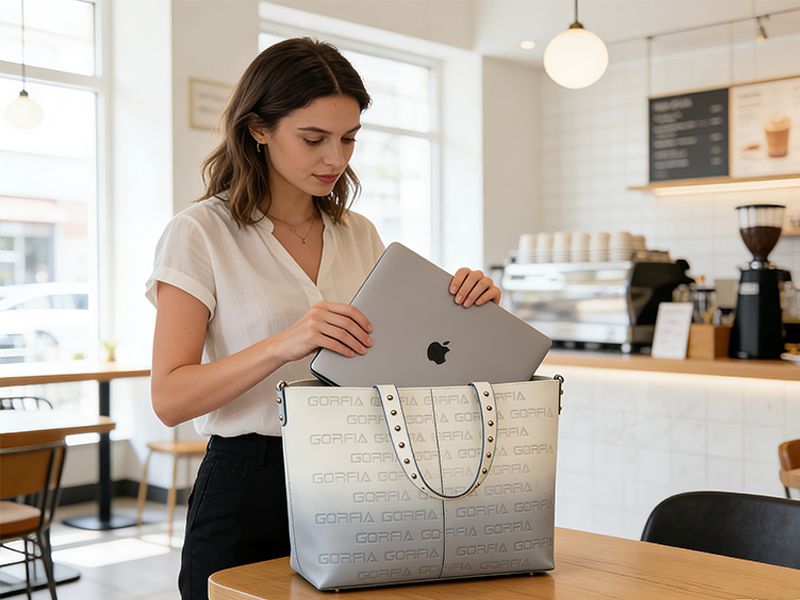
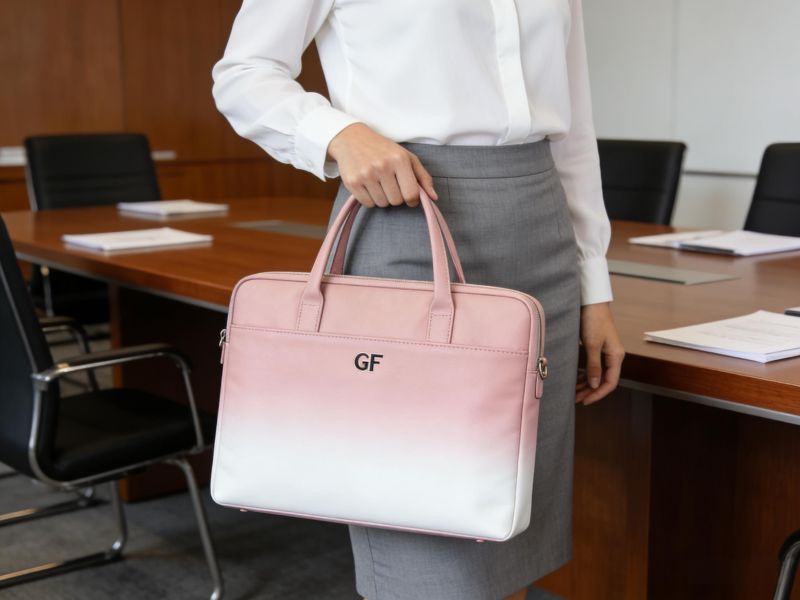
Laptop tote styles are a popular option for professionals seeking a stylish, practical solution for office use. These designs often resemble traditional handbags but feature padded compartments for safely storing a laptop and work essentials.
One of the main advantages is their clean, professional look and easy access to core work essentials. The open structure makes it simple to reach documents, phones, and other items during busy workdays and meetings. In fast-paced office settings, this quick access saves time and streamlines transitions between appointments.
Many laptop tote options are also valued for their lightweight construction and hassle-free daily toting. Most fit 13–15-inch laptops easily, plus chargers, notebooks, and personal everyday items.
Laptop Backpacks
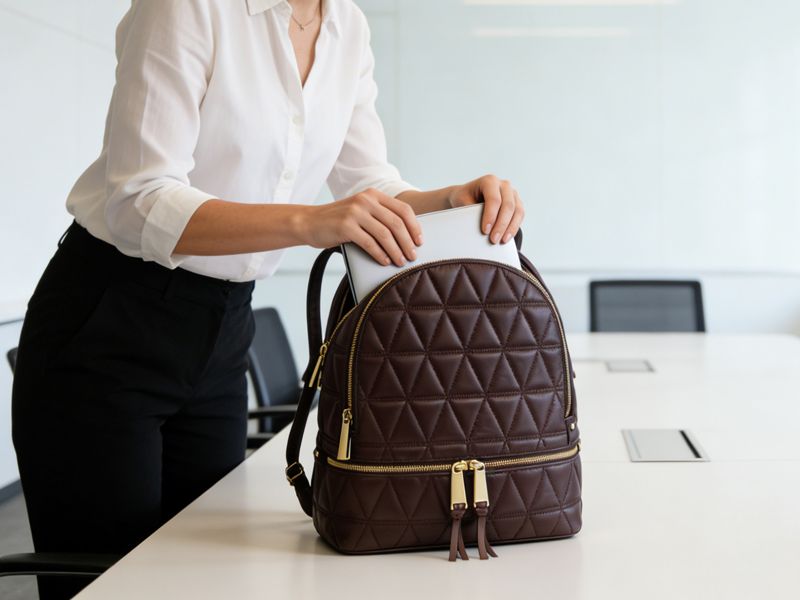
Laptop backpacks are among the most practical options for transporting devices, ideal for regular commuters and frequent travelers alike. They let users carry tech and key essentials while keeping both hands free.
One of the biggest advantages is the ability to distribute weight evenly across the shoulders and back, easing long-wear fatigue. Instead of placing pressure on one shoulder, the load stays balanced, reducing strain during lengthy commutes. This difference is instantly noticeable on longer trips.
For those traveling to work or on the go, backpacks deliver generous storage and smarter organization for core workday essentials. Most designs feature dedicated laptop sleeves, padded compartments for accessories, and extra space for chargers, notebooks, or water bottles.
Well-made backpacks feature smart ergonomic details for all-day comfort during regular commutes. Ventilated backing prevents sweat buildup and eases back strain during long commutes or travel.
Messenger and Crossbody Laptop Bags
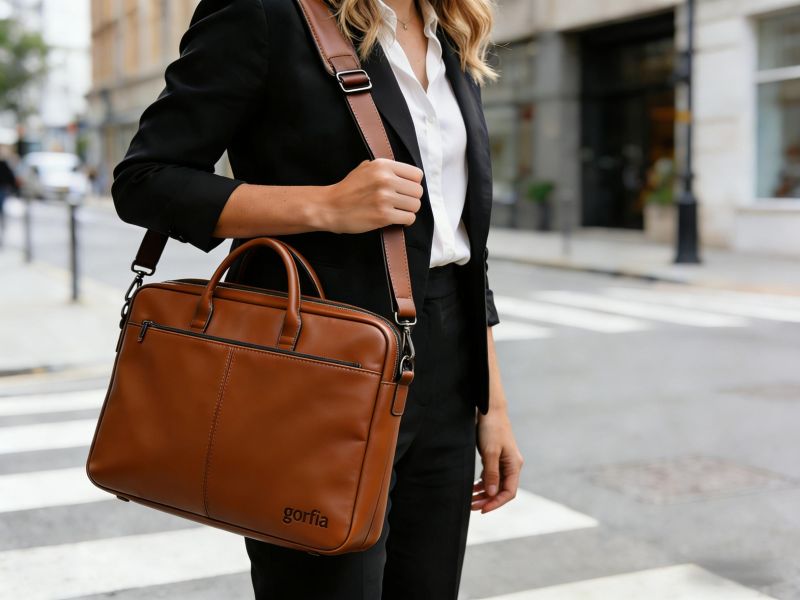
Messenger and crossbody styles are popular options for professionals who prefer a slim, structured bag design. These models offer a clean, professional design suitable for office environments and meetings.
These styles are best suited for minimal carry setups and short daily commutes. They are often chosen for quick office visits or short trips where carrying less makes the day more convenient. They are also practical for meetings or situations where you only need a laptop, charger, and a few essential items.
However, they offer less storage capacity than backpacks, making them less suitable for heavier loads. Their slimmer structure limits how much gear you can carry, making them less suitable for heavier loads or extended travel.
Many professionals still choose these options for their compact build: roomy enough for workday essentials, while keeping a sleek, polished look.
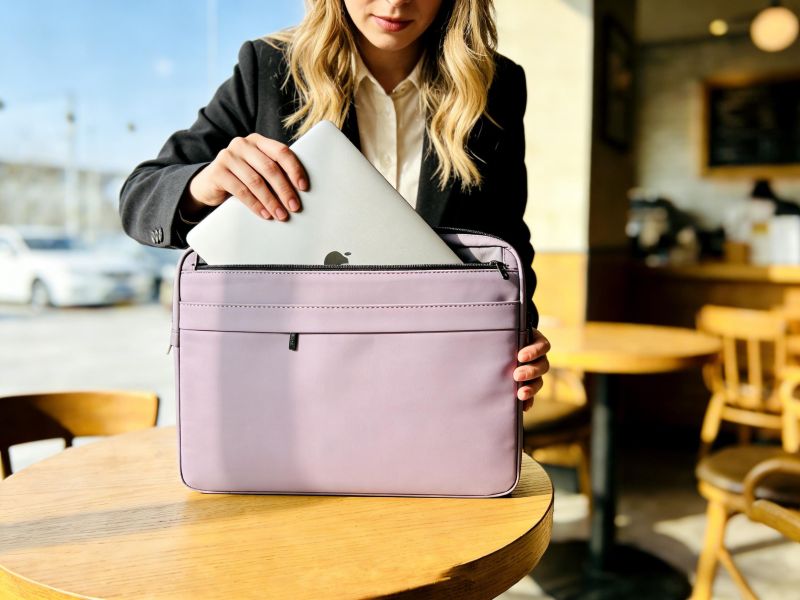
Laptop Bag Size Guide: Matching Bag Capacity to Laptop Size
Choosing the right laptop carry option starts with understanding your device’s exact dimensions and fit requirements. Most modern laptops fall within a range of screen sizes, including 13″, 14″, 15.6″, 16″, and 17 inches.
However, screen size alone does not determine how well a laptop fits inside a sleeve or compartment. The actual width, depth, and thickness of the device also affect how securely the computer fits inside the pack.
If a sleeve is too tight or too loose, it can increase the risk of damage during movement.
Right Size for Everyday Use
Light commuters choose compact bags for laptops, chargers, and daily essentials. For extra documents, water bottles, or heavier loads, pick a roomier style for neat storage. Always measure your laptop’s width, depth, and thickness to ensure a snug, pressure-free fit in the padded compartment.
Best Size for Travel and Extended Trips
Opt for larger-capacity packs to hold laptops, clothing, and travel gear for short trips. Light packing makes carrying easy and fatigue-free during airport walks or long transit. Always check airline carry-on size limits before selecting a travel bag, as rules vary by carrier.
Size & Capacity Quick Guide
| Laptop Screen | Recommended Bag Capacity | Ideal For | Typical Items Inside |
| 13–14 inch | 10–20L | Light daily commuters | Laptop, charger, small accessories |
| 15–16 inch | 20–30L | Office regular use | Documents, extra gadgets, water bottle |
| 17 inch / Workstation | 30–50L | Business trips & heavy gear | Full tech set + clothing & travel essentials |
Backpack Size & Torso Fit for Women
For women’s laptop backpacks, a good body fit matters just as much as size. Many styles come in multiple sizes to accommodate different torso lengths, so the right design matches your frame perfectly, keeps straps from slipping, and spreads weight gently during daily commutes and trips. A pack that fits well reduces fatigue, even when you carry your full work gear all day.
Key Features to Look for in a Laptop Bag for Comfort and Protection
When shopping for a reliable women’s laptop bag, focus on features that make daily carrying easier and more comfortable. Small smart features reduce shoulder strain and make real-life use far more convenient.
Laptop Protection and Compartments for Better Device Safety
Protecting your device should be a priority, with padded compartments that keep the laptop secure during movement.
Reinforced structures help absorb impact and reduce the risk of damage from drops or rough surfaces.
Smart Organization and Storage for Everyday Essentials
A good laptop pack should include multiple compartments that keep accessories organized and easy to access. This makes it easier to quickly find chargers, cables, or documents during the day.
Dedicated compartments help prevent items from shifting and improve daily organization. Many models also include external holders for a water bottle or other frequently used items.
Internal organizers provide better separation of workday commuter essentials.

Comfort and Carry Features for Long-Term Use
Padded shoulder straps ease pressure during lengthy work-bound trips, even when carrying your bag for hours at a time. Adjustable sternum straps keep the pack stable and balanced while moving around. Thoughtful load lifters further spread weight evenly across your body, delivering steady fatigue-free support with a full laptop and extra essentials inside.
Practical Features for Commuting and Travel
For commuting and frequent travel, choosing the right features boosts wearability, protection, and on-the-go functionality. Practical design elements help protect devices while making it easier to organize workday essentials.
Many laptop packs use water-resistant materials that protect devices during rainy commutes. This feature is especially useful for people who walk or use public transportation during daily commutes.
For air travel, features like luggage pass-throughs help secure the bag to rolling luggage for easier transport. This feature makes it easier to carry laptops and travel gear through airports.
Lightweight but durable materials help reduce bag weight while maintaining strength and protection.
Extended Travel or Outdoor Use
For occasional work trips, pick styles with ventilated back support to ease fatigue during extended carries. Some designs even include detachable daypacks for flexible outings, while compact expandable storage accommodates devices, travel outfits, and trip essentials for short business journeys.
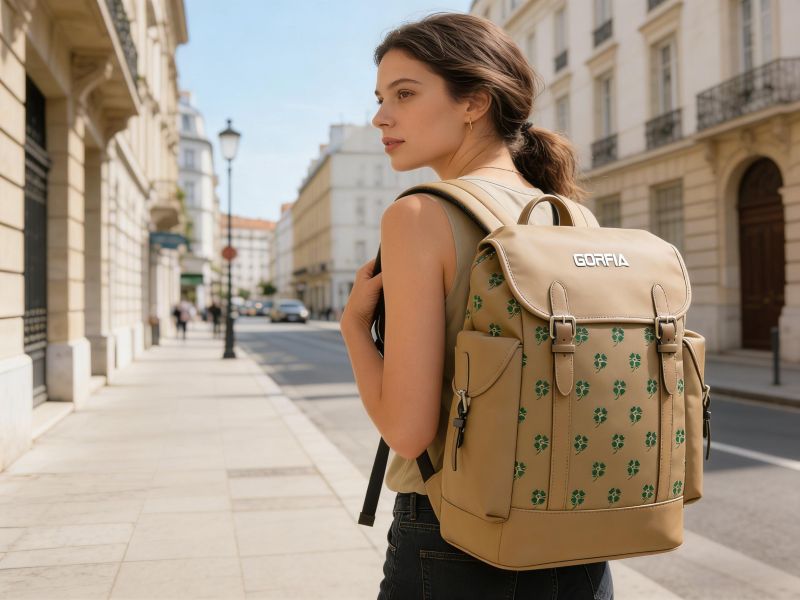
How to Choose the Right Laptop Bag Size: Buyer Checklist
Match your bag size to your usual everyday gear: laptop, charger, documents, daily essentials, and extra gear. Always measure your laptop first to ensure a snug, secure fit in the padded compartment. Consider total weight before buying—light loads feel easy, but fully packed bags with extra gear can turn heavy on long commutes. Test the bag with your everyday items and extra gear to confirm the size and comfort. For travel, always check airline carry-on rules in advance.
Style, Materials, and Women-Specific Fit
Many women’s laptop bags feature tailored strap placement to ease chest pressure and keep the load balanced while carrying laptops and daily work items. Quality fabrics like nylon and recycled polyester stay lightweight while resisting daily wear. Wider straps also spread weight evenly, preventing sore spots with heavier gear.
Final Recommendations: Best Laptop Bag Sizes for Different Users
Choose your bag size based on your on‑person load and daily workflow. Light commuters stick to compact 10–20L designs—ideal for a laptop, charger, and core work essentials. Those needing extra room for documents or additional devices will favor versatile 20–30L options, well-suited for in-office routines. For business trips and hybrid schedules, larger 30–50L styles hold clothing and travel gear alongside your tech. Always test the pack with your usual commute essentials to confirm stable, fatigue-free support.
FAQs
What size laptop bag do most women need?
Most professionals pick packs tailored for 13–15-inch devices and everyday tech add-ons, without extra bulk. This sizing holds a laptop, charger, and small gear neatly, keeping the profile streamlined and compact.
Are backpacks better than shoulder bags for carrying laptops?
Backpacks excel for lengthy transit and heavier devices, distributing weight evenly to ease shoulder strain. Shoulder or crossbody bags deliver a polished look for office meetings, yet perform best with slim, minimal on-the-go gear.
How should a laptop backpack fit?
The shoulder straps should sit snug without slipping, the padded laptop compartment should hold your device tight with no extra wiggle room, and the back panel should rest flush against your upper body for steady support all day.
Do laptop bags need waterproof materials?
Water-resistant materials help protect laptops and electronics from rain, spills, and everyday moisture year-round.
Beyond Style and Size
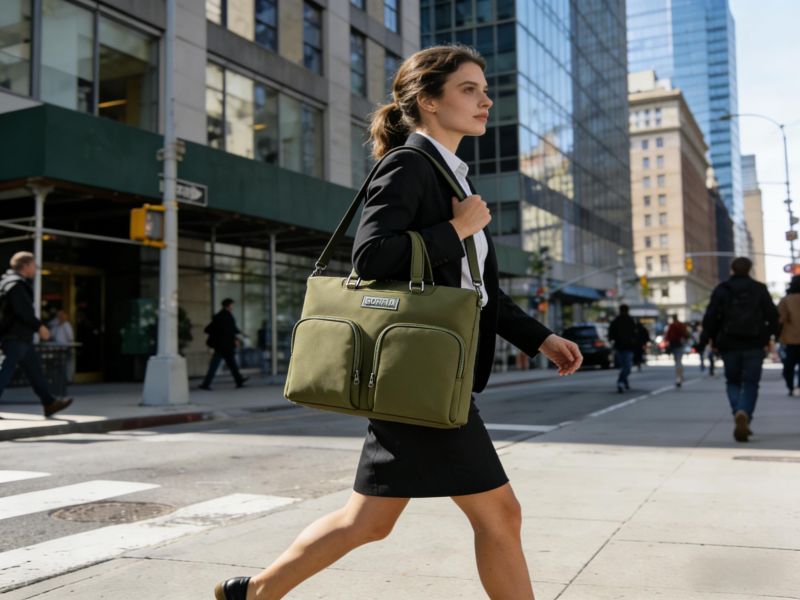
Choosing the right laptop bag is not just about style—it’s about how it performs in daily use. Many issues, like shoulder strain, poor organization, or early wear, only become noticeable over time.
In most cases, these problems are defined at the production stage. Differences in structure and materials can directly affect comfort and durability, which is why many brands choose to work with manufacturers for better control over product performance and consistency.
Custom & OEM/ODM Factory Solutions
With 20 years of specializing in women’s laptop bags, we tailor shoulder support, back padding, and internal layouts to fit female body shapes and daily office use. All custom solutions are completed in-house: size adjustments for 13–17-inch laptops, custom logo embossing/debossing, premium fabric upgrades, and personalized internal dividers. Every design undergoes reinforced stitching, padding testing, and strict final inspections to guarantee consistent quality.
If you need reliable factory-direct OEM/ODM custom service with clear, transparent pricing, reach out to our team today to share your project details and get your custom quote.