
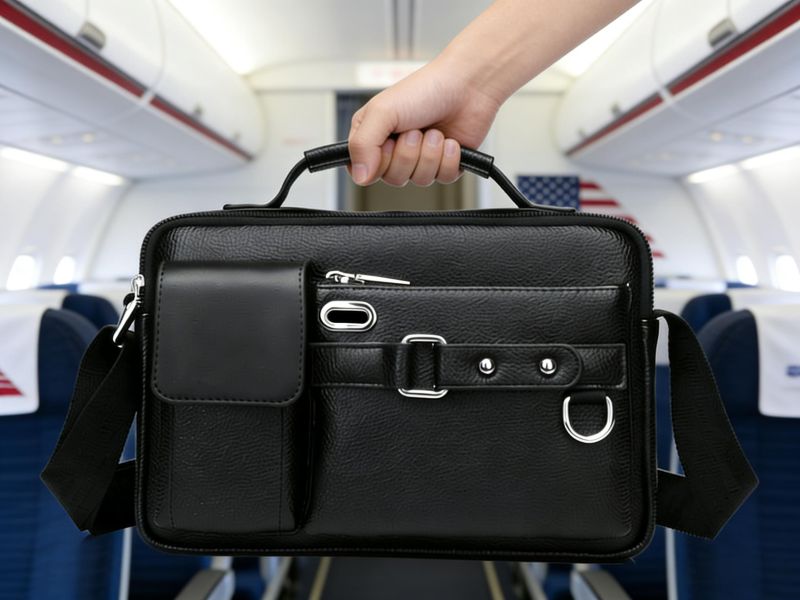
Traveling with a laptop is pretty much unavoidable these days—but packing it the wrong way can cause more trouble than you’d expect.
A question that comes up all the time is: can you put a laptop in checked luggage?
Technically, yes. But most people who travel frequently will tell you it’s not a good idea.
Between rough handling behind the scenes and the risks tied to lithium batteries, putting your laptop in a suitcase can easily lead to damage, loss, or even safety issues.
In this guide, we’ll walk you through what airlines actually allow, what can go wrong, and the smarter way to carry your laptop so it gets there in one piece.
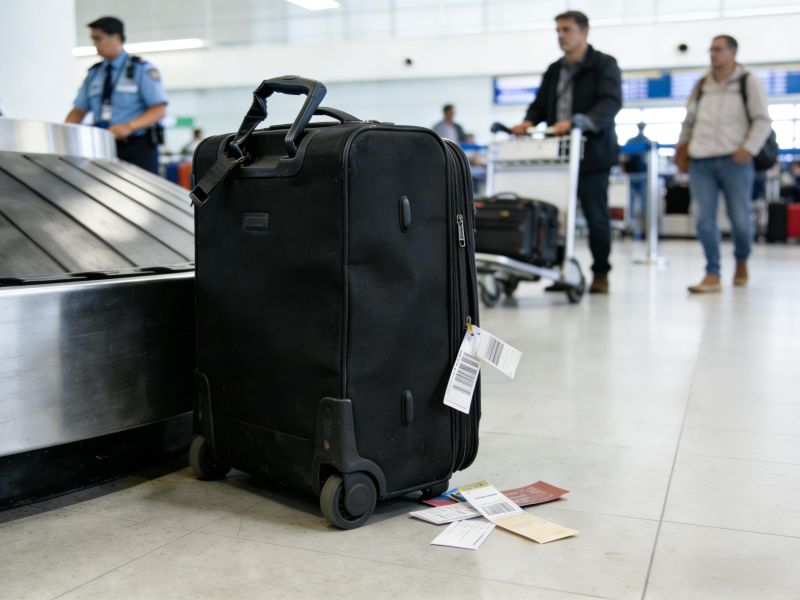
Can You Put a Laptop in Checked Luggage?
A laptop is technically accepted in checked baggage by most airlines, although this is not advisable.
Even though airlines do not restrict the use of laptops in checked luggage, aviation authorities and airlines strongly advise using them in a carry-on bag to minimize damage, loss, or theft.
Laptops that are packed in baggage are susceptible to physical damage and theft. Cargo areas are rough and experience pressure changes and movement, which can damage sensitive computer hardware.
Many airlines also advise that valuable items such as laptops, cameras, and cell phones be placed in a carry-on bag or personal item. This ensures passengers can control their important electronics throughout their trip.
Airline Rules You Should Know Before Packing a Laptop
Regulations regarding laptop computers vary slightly from airline to airline, but most follow similar safety rules. Aviation authorities permit laptops in checked baggage, but they strongly prefer that passengers pack them in hand luggage or a carry-on bag.
According to aviation safety policies, devices with lithium-ion batteries must be handled with care. Airlines often have to have spare batteries or power banks that are not allowed to be checked in due to the risk of fire.
Passengers should also keep in mind that airline policies can vary depending on the aircraft type, the destination country, and airline safety practices. Therefore, travelers should always check the airline’s rules before each flight.
Lithium-Ion Battery Guidelines
Damaged or exposed to pressure, lithium-ion batteries can pose a safety risk; hence, airlines limit spare batteries in checked baggage and advise carrying devices in the cabin.
One regulation aviation authorities require is that spare batteries be carried only in a carry-on bag.
Devices that come with a battery, like a laptop or tablet, can typically be carried in your checked baggage, but airlines do still recommend keeping them in a carry-on bag or personal item to protect them.
Airline approval may also be required before passengers carry high-capacity power banks on board. verifying watt-hour capacity to ensure that travelers have complied with aviation security regulations.
To provide authoritative guidance on safety, the government has issued recommendations on electronic device travel policies through organizations such as the Transportation Security Administration.
The Risks of Checking a Laptop
It might be safer to place a laptop in cabin baggage, but if a person wishes to place it in checked luggage, there are several risks to be aware of. Inside the plane, there is a heavy load, limited space, and a lot of movement during flight in the cargo areas.
Another concern is safety. Devices with batteries pose a fire hazard if damaged, which is why airlines carefully regulate firearms, batteries, and electronics in the cabin.
Thankfully, travellers have alternatives, such as keeping laptops in a backpack, purse, or other cabin baggage. These other options help to protect laptops and other valuable items and reduce risks during travel.
| Factor | Carry On Baggage | Checked Luggage |
| Physical Damage | Low risk under passenger control | Higher risk due to rough handling |
| Theft Risk | Minimal when supervised | Moderate due to multiple handlers |
| Battery Safety | Crew can respond to fire | Harder to access in cargo hold |
| Data Protection | Device stays with passenger | Higher exposure if bag lost |
| Airline Restrictions | Spare batteries permitted | Spare batteries prohibited |
| Convenience | Must remove at security | No security removal needed |
Physical Damage From Rough Handling
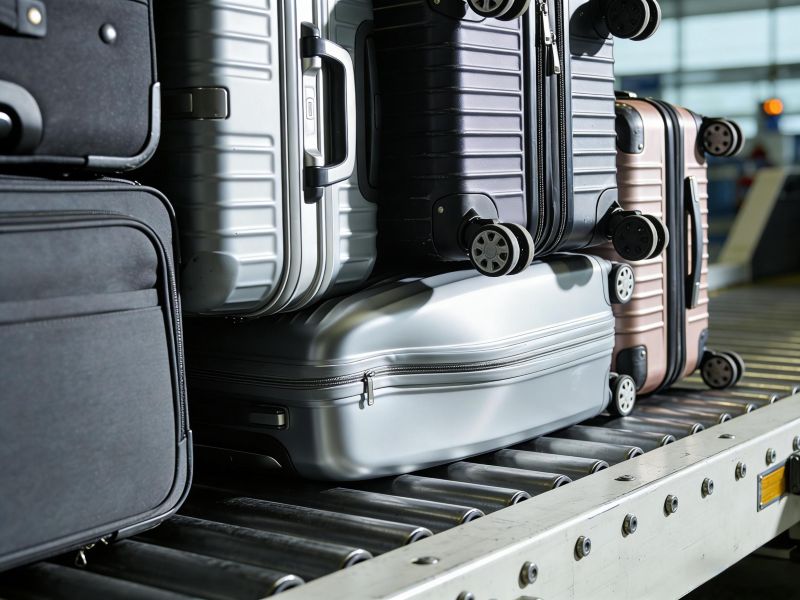
Damage to laptop computers in checked luggage often occurs due to a heavy baggage load or accidental drops during handling.
Common instances include a suitcase being crushed under heavier ones, sudden impacts while traveling by airport transportation, or the pressure from tightly packed cargo compartments.
Travelers should take photos of the luggage before checking in. In the event of damage, these images may help passengers with their airline claims.
Passengers can also document visible damage to baggage receipts at the airport gate, which can further bolster compensation claims where airlines have investigated the problem.
Theft, Privacy, and Data Protection
Another concern with storing a laptop in the checked luggage is theft or permanent loss. Airports go through thousands of bags every day, and valuable items are lost or stolen from time to time.
Since laptops and other electronic devices carry important personal data, it’s safer for travelers to keep them in a carry-on bag or personal item while flying.
Battery Fire Concerns
Lithium battery accidents are rare, but they can occur. A broken lithium-ion battery can also produce heat or fire in cargo areas; aviation authorities prefer devices in the cabin that passengers and crew members can monitor.
As aviation safety experts note, surveillance of cabin electronic equipment is one way to mitigate potential threats during flights.
How to Pack a Laptop inside Checked Luggage (If Necessary)
If you are packing your laptop in checked luggage, follow a structured set of steps to protect the device.
Step-by-Step Packing Checked Bag
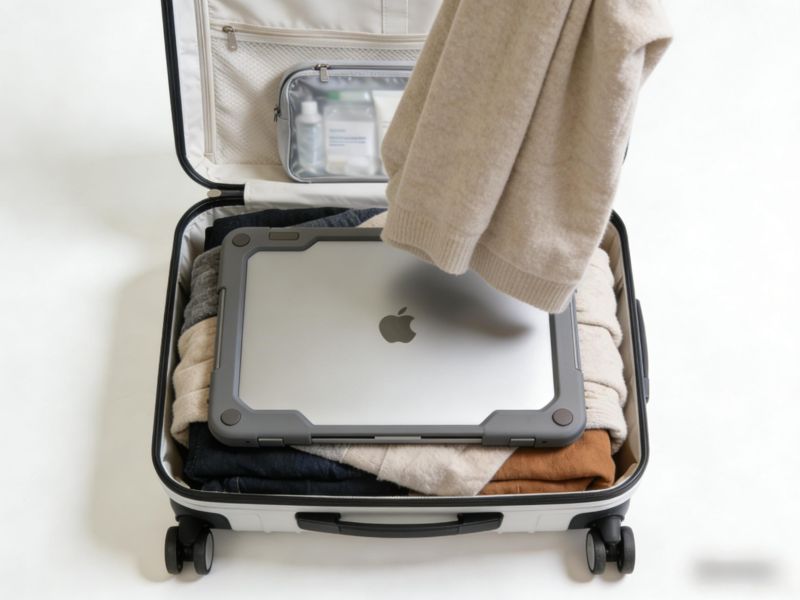
- Place the laptop inside a hard, padded sleeve.
- Wrap the sleeve in dense clothing for cushioning.
- Position the device at the center of the suitcase.
- Keep liquids in sealed toiletry bags away from electronics.
- Avoid placing a heavy weight directly on top of the device.
- Remove spare batteries and power banks from the checked bag.
- Photograph the laptop before checking in for claim purposes.
This method reduces the risk of physical damage but does not eliminate it.
Preferred Options: Carry-On and Personal Item
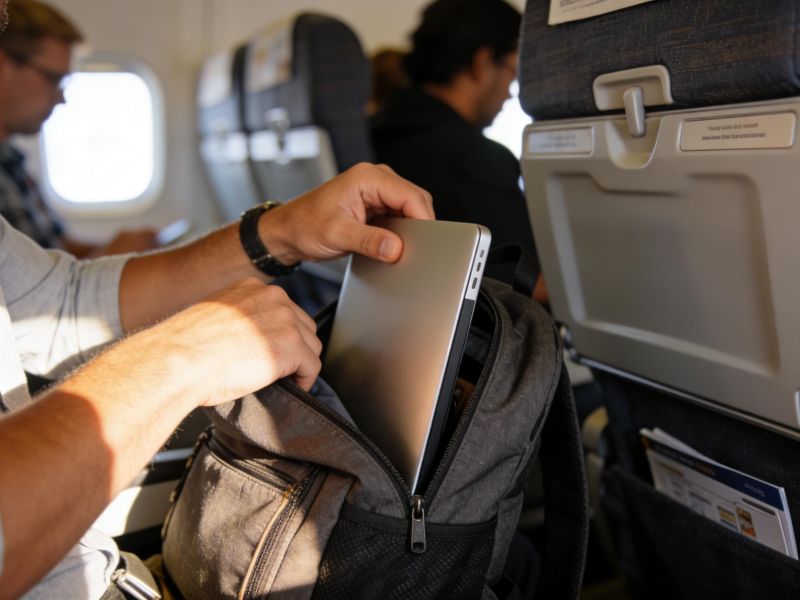
Wherever possible, travellers should store laptops in carry-on baggage or a personal item. A rolling carry-on bag with a dedicated laptop compartment is the safest solution for business travel.
A backpack with a padded laptop sleeve also protects laptops while enabling passengers easy access during their airport security check.
Keeping devices close to ensure travelers can monitor their electronics to keep them from being stolen, damaged, or lost.
Carry-On Packing and Security
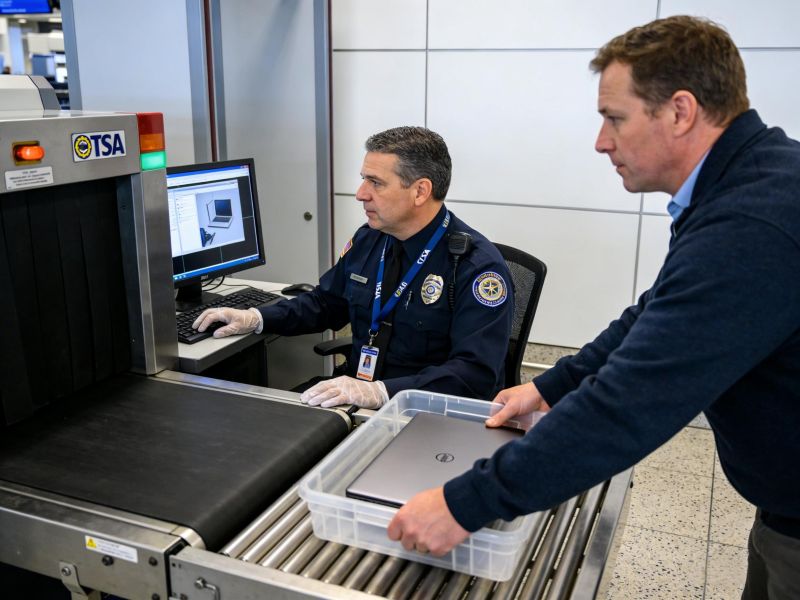
When travelling with a laptop in hand luggage, travellers should be prepared for airport security screening.
Security officers will often require passengers to remove laptops from carry-on bags and place them in a separate bin for scanning.
Maintaining the order of chargers, cables, and other accessories helps speed up the process at airport security checkpoints.
Some carry-on bag designs have TSA-friendly laptop compartments for easier screening when travelling.
Personal Item vs Hand Luggage
Many airlines will allow travelers to carry one carry-on and a smaller personal item, such as a backpack or purse.
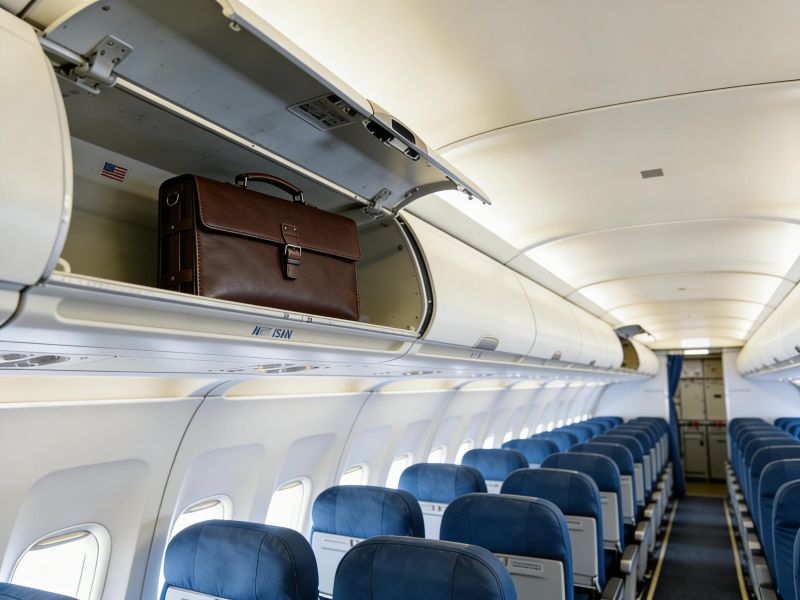
The personal item typically fits underneath the airplane seat, and the carry-on baggage is placed in the overhead cabin compartment.
Due to airlines’ varying rules, travelers should check size limits and weight restrictions before arriving at the airport.
Understanding airline carry-on baggage rules can help passengers avoid unexpected gate problems when boarding.
Rules for Batteries and Power Banks When Flying with a Laptop
Airlines have stringent policies about spare batteries, power banks, and loose lithium-ion battery packs.
These things must always be carried in carry-on baggage, never in a checked bag.
Packing power banks in checked bags may not be safe under airline safety rules, as damaged batteries could pose a fire risk in the cargo compartment.
Travelers should check the airline’s guidelines on lithium battery capacity to comply with airline regulations.
How International Airline Rules Can Affect Your Laptop Packing
International travelers might face varying airline regulations depending on the countries they will be visiting.
Certain partner airlines have stricter policies on batteries or devices. Before passengers board connecting flights, they should confirm the airline’s policies.
Getting in touch with the airline’s customer service would help clarify any ambiguities in the security or baggage policies.

Steps to Protect Your Laptop and Data Before You Travel
Before leaving for the airport, travelers should complete a preflight laptop safety checklist.
- Back up important files to cloud storage
- Enable disk encryption and strong passwords
- Record device serial number and model
- Place the laptop in the padded sleeve
- Pack the device in the center of the suitcase
- Separate liquids from electronics
FAQs
Is a laptop allowed in checked luggage?
Yes, airlines normally allow laptops in checked baggage, but they strongly suggest carrying them as carry-on baggage due to safety and risk concerns.
Why are lithium batteries a concern during flights?
Lithium-ion batteries may overheat or ignite if damaged, posing a risk of fire in cargo compartments during transport on an aircraft.
Can power banks go in a checked bag?
No. Aviation safety regulations require that power banks and spare batteries be carried as carry-on baggage.
What is the safest way to travel with a laptop?
The best bet would be to keep your laptop in a carry-on bag or personal item, well-padded and shielded.

Conclusion
Although airlines might not prohibit laptops in checked baggage, the surest way to transport them is to place them in carry-on baggage or a personal item. This reduces the risk of damage, theft, and potential battery incidents.
Awareness of airline and lithium battery safety regulations, and proper packing, helps travelers take good care of their laptops and avoid unnecessary risks on flights.
Choosing the Right Protection for Your Laptop During Travel
Traveling with a laptop always comes down to one thing: protection. Whether you choose to carry it in hand luggage or place it in a suitcase when necessary, the right level of cushioning, structure, and design can make a real difference in keeping your device safe throughout the journey. Many travelers overlook how much impact a well-designed laptop bag or sleeve can have on reducing damage risks during transit.
As a professional laptop bag manufacturer, we focus on creating solutions that combine durability, smart storage, and travel-friendly protection. If you’re looking for reliable options or exploring better ways to safeguard your devices while traveling, you’re welcome to reach out to learn more about our products and capabilities.